
- Help centre
- Emails and automations
Bounces, spam and delivery
Why an email doesn’t arrive or lands in spam, and what Spedito does to prevent it.
Gmail, Outlook and the others decide whether an email goes to the inbox or to spam by looking at who sends it and how people react. Here is what really matters.
How to do it
- Verify your domain and send from an address on your domain: it is the most important thing.
- Only email people who gave you consent, and recently. An old list brings bounces and complaints.
- Always use the same sender name, so people recognise you.
- Write real text, not just an image, and send yourself a test before sending.
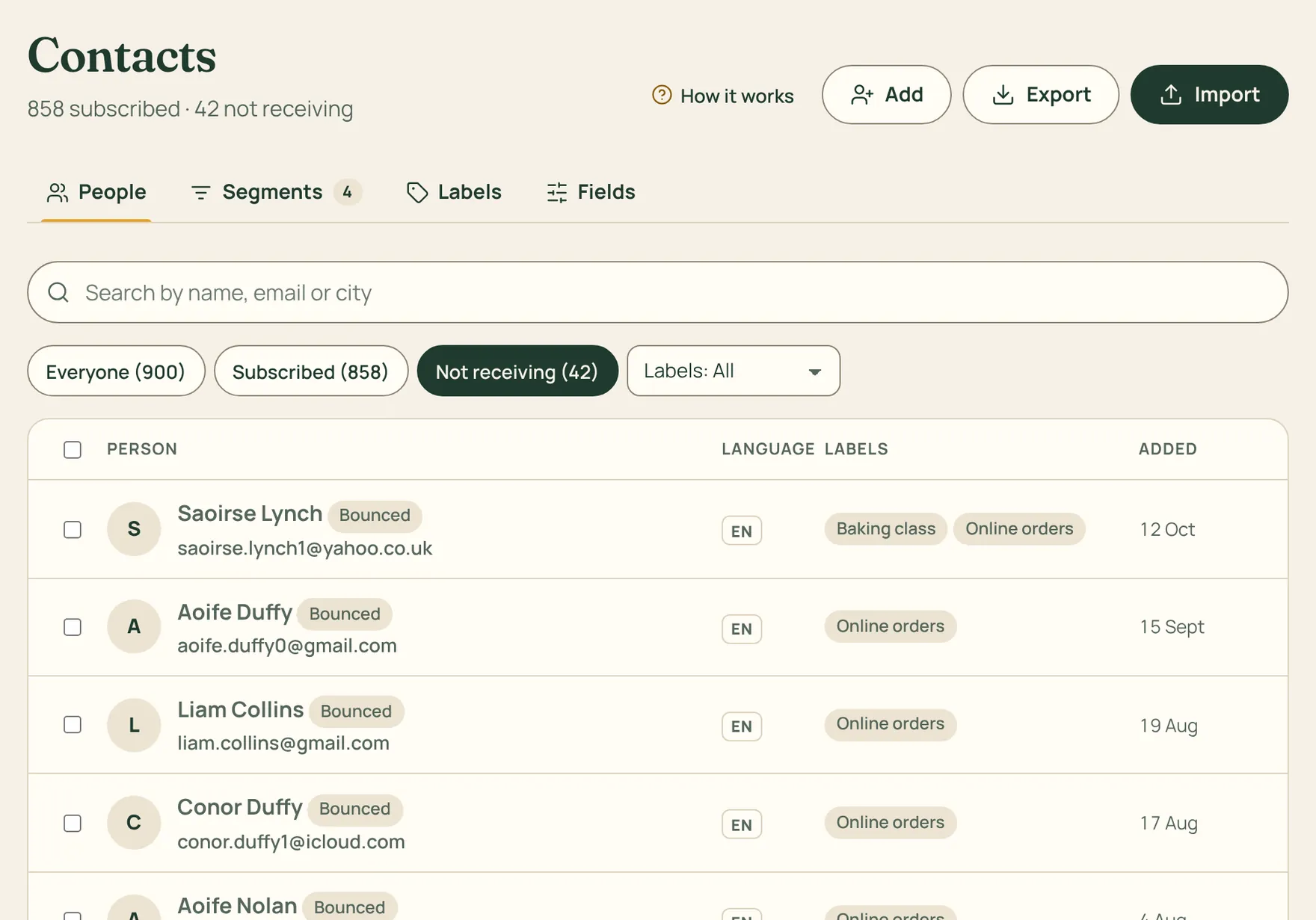
A bounce is a rejected email. If the address no longer exists, the contact becomes Bounced and we stop writing to it; if the problem is temporary, like a full mailbox, we retry for you. If the address was mistyped, fix it on the contact’s page and save.
People who mark your email as spam are unsubscribed automatically. If an account goes over one of these limits in the last 14 days, we pause its sending and write to you so we can fix it together: bounces above 8%, spam complaints above 0.3%. It protects you and every other customer.
During its first 14 days a new account can send up to 2,000 emails a day.