
- Help centre
- Getting started
Importing contacts
From Mailchimp, Brevo, Excel, Gmail or any other platform: drop the file and you’re done.
You can bring the contacts you already have into Spedito, from anywhere. CSV, Excel, vCard and ZIP files all work.
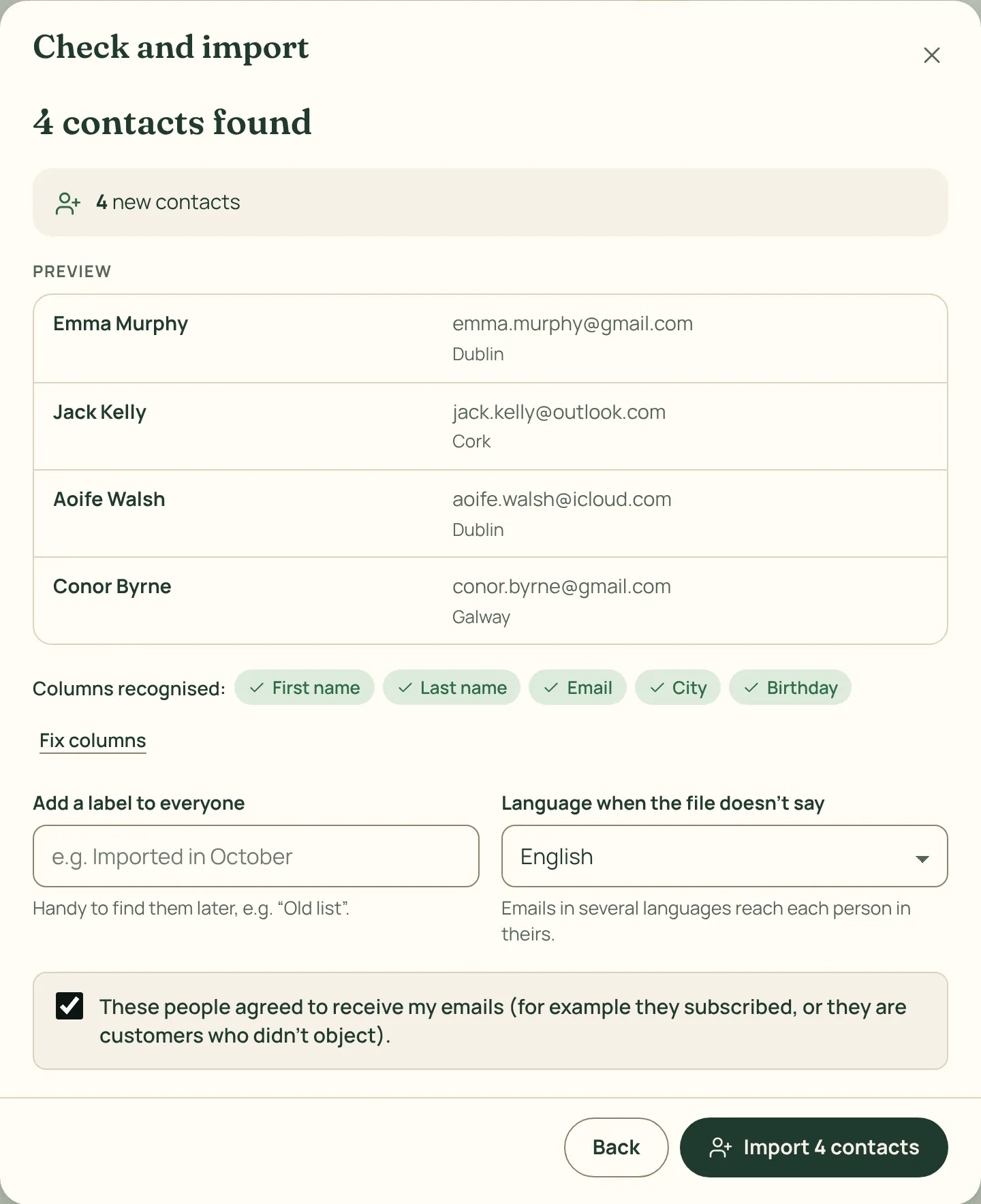
How to do it
- Export your contacts from where they are now. In Contacts › Import you’ll find step-by-step guides for Mailchimp, Brevo, MailerLite, AWeber, Klaviyo, Shopify, Gmail, Outlook, iPhone and Excel.
- Drop the file into the window. Columns are recognised on their own: email, first and last name, language, phone, city, country, birthday and labels.
- If a column is wrong, open Fix columns. You can also give a label to every contact in the file.
- Confirm that these people agreed to receive your emails, and import.
Duplicate addresses are merged and invalid ones skipped. People who had unsubscribed or bounced elsewhere are imported, but never receive emails.