
- Help centre
- Contacts and sign-ups
Labels and segments
Write only to the right people, with groups you make by hand or that update themselves.
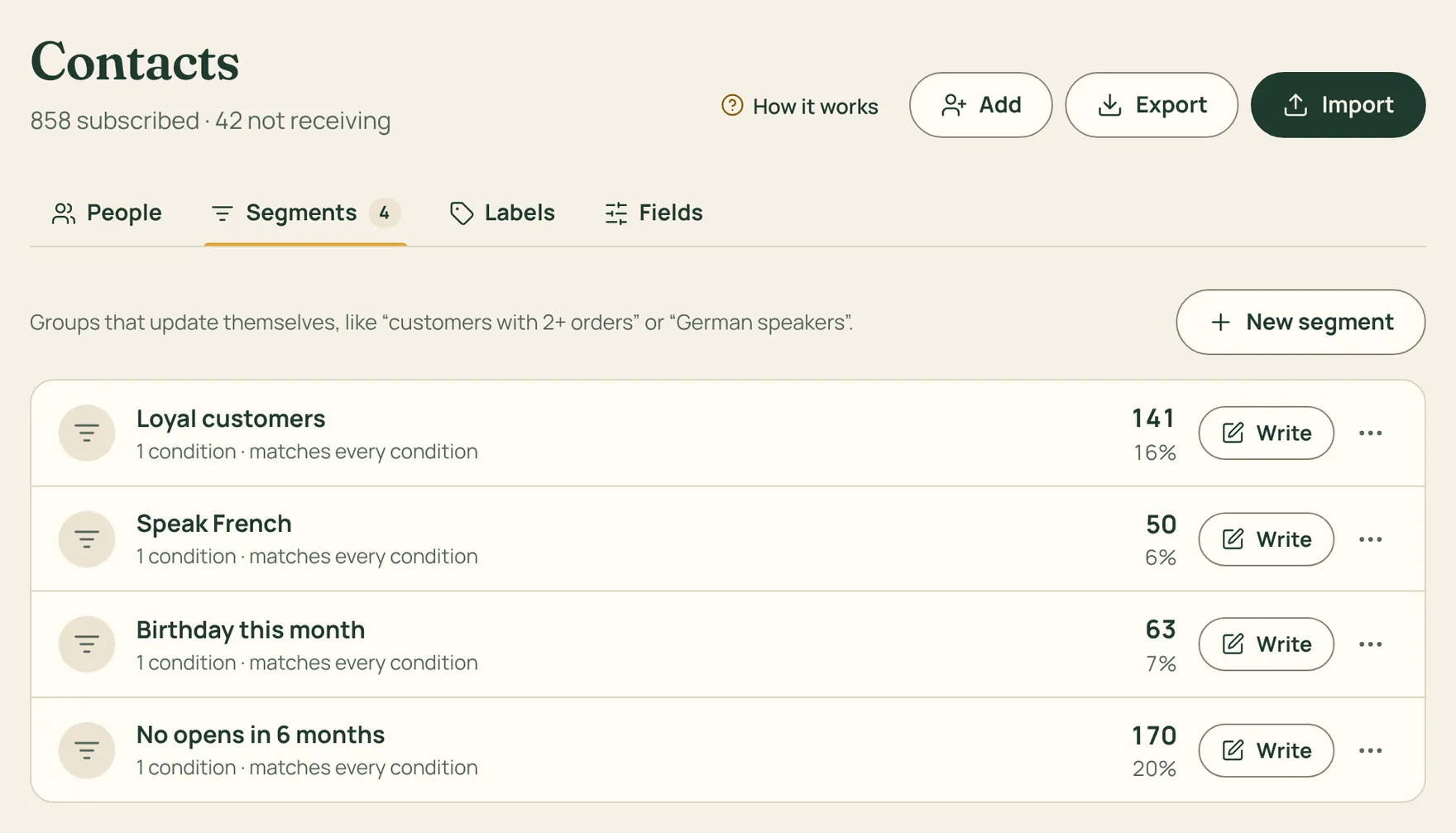
Not every email is for everyone. Spedito has two ways to group contacts: labels, which you add, and segments, which update themselves.
How to do it
- You add Labels when importing, from a form, or on any contact. They are good for things like “shop customers” or “September course”.
- For a segment, go to Contacts › Segments, press New segment and pick the conditions: language, country, city, label, orders, amount spent, last open, birthday or one of your fields.
- Choose whether all the conditions must match or at least one: you immediately see how many people are in.
- When you send an email, choose who gets it: all subscribers, a label, a segment, or the people who didn’t open an earlier email.
If you rename a label, the name changes everywhere: in forms, automations and segments.