
- Help centre
- Emails and automations
Automations
Emails that go out on their own: welcome, after purchase, abandoned cart, birthday.
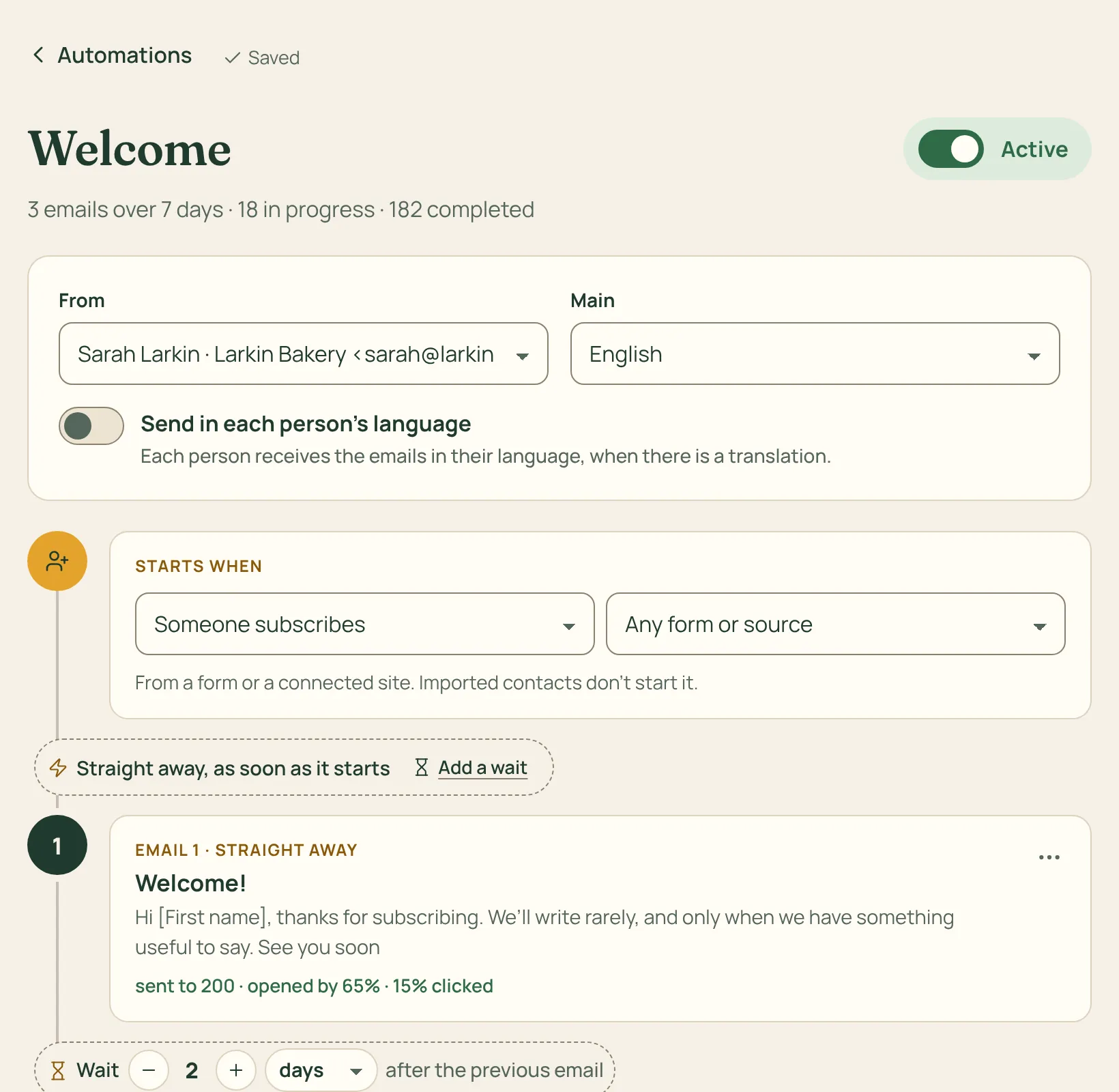
An automation is a series of emails that starts on its own when something happens: someone signs up, gets a label, buys, leaves a cart, books or has a birthday.
How to do it
- Go to Automations, press New automation and pick a template: the texts are already written, ready to adapt to your business.
- Between one email and the next, choose a wait in hours, days or weeks.
- Choose when people leave: at the end, at their first click, or as soon as they buy.
- Flip the switch: from then on the automation starts for every new person.
Purchases, carts and bookings need a connected shop or booking system. Imported contacts don’t start “when someone signs up” automations: they are already subscribed.