
- Help centre
- Contacts and sign-ups
Sign-up forms and pages
A box on your site, a popup or a page with a QR code: people sign up on their own.
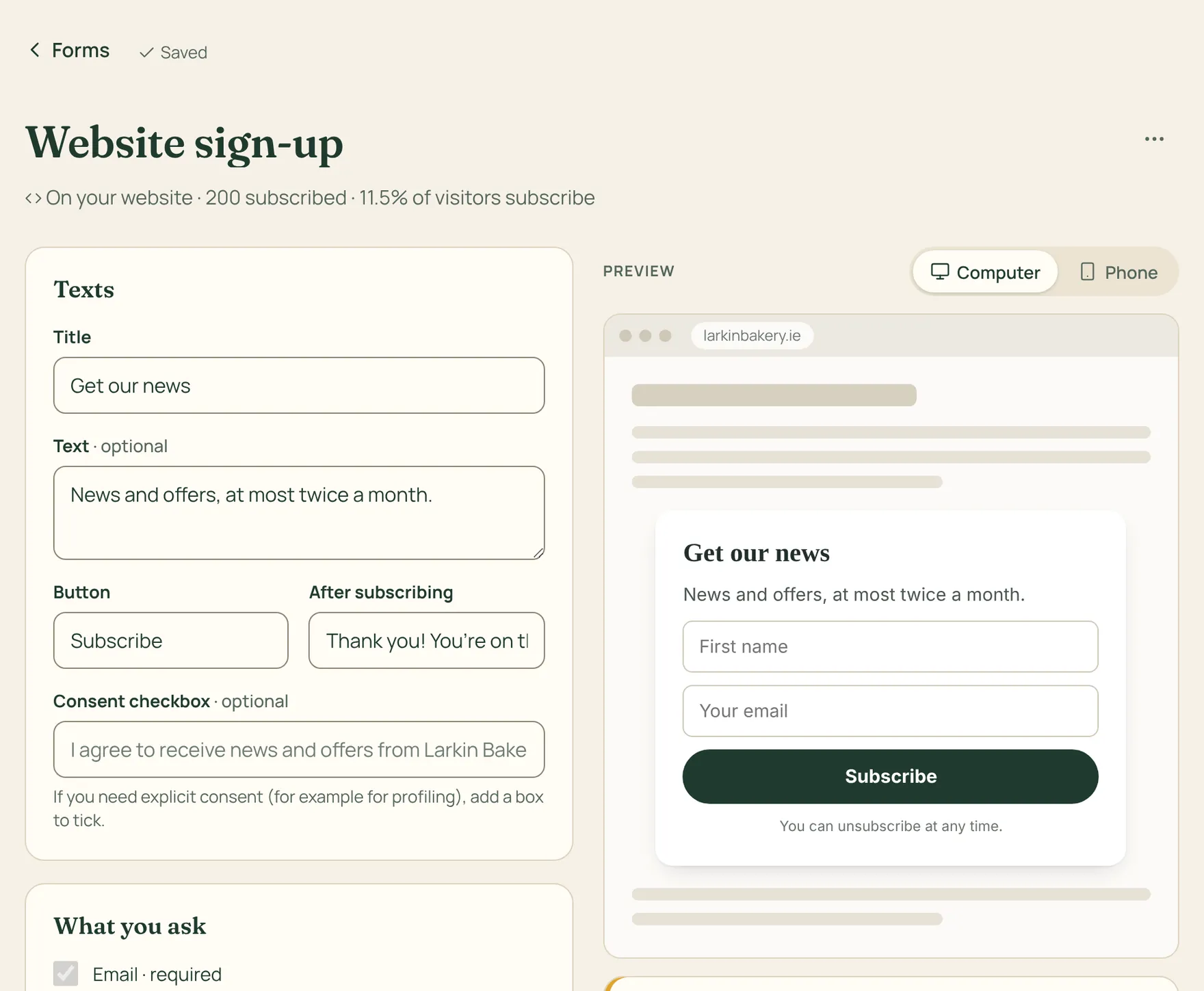
A form collects new subscribers for you. There are three kinds: a box to put on your website, a popup that appears after a few seconds, or a page of its own with a link and a QR code for Instagram, WhatsApp or your counter.
How to do it
- Go to Forms, press New form and pick the kind.
- Write the title, text and button. Ask for as little as possible: email and first name are enough.
- Choose whether to give a label to new subscribers and whether to use double opt-in.
- Copy the code into your site (there are guides for WordPress, Wix, Shopify, Squarespace and Webflow), or share the page link.
With double opt-in, new subscribers get an email to confirm their address: fewer fake sign-ups, and in Germany and Austria it is the norm.
If you turn on translations, visitors see the form in their language and are saved with it, so they get your emails in their language.