
- Help centre
- Contacts and sign-ups
Connecting your shop, site and apps
Shopify, WooCommerce, WordPress, Wix, Calendly and more: contacts arrive on their own.
With integrations, contacts come into Spedito on their own, and orders, carts and bookings start your automations.
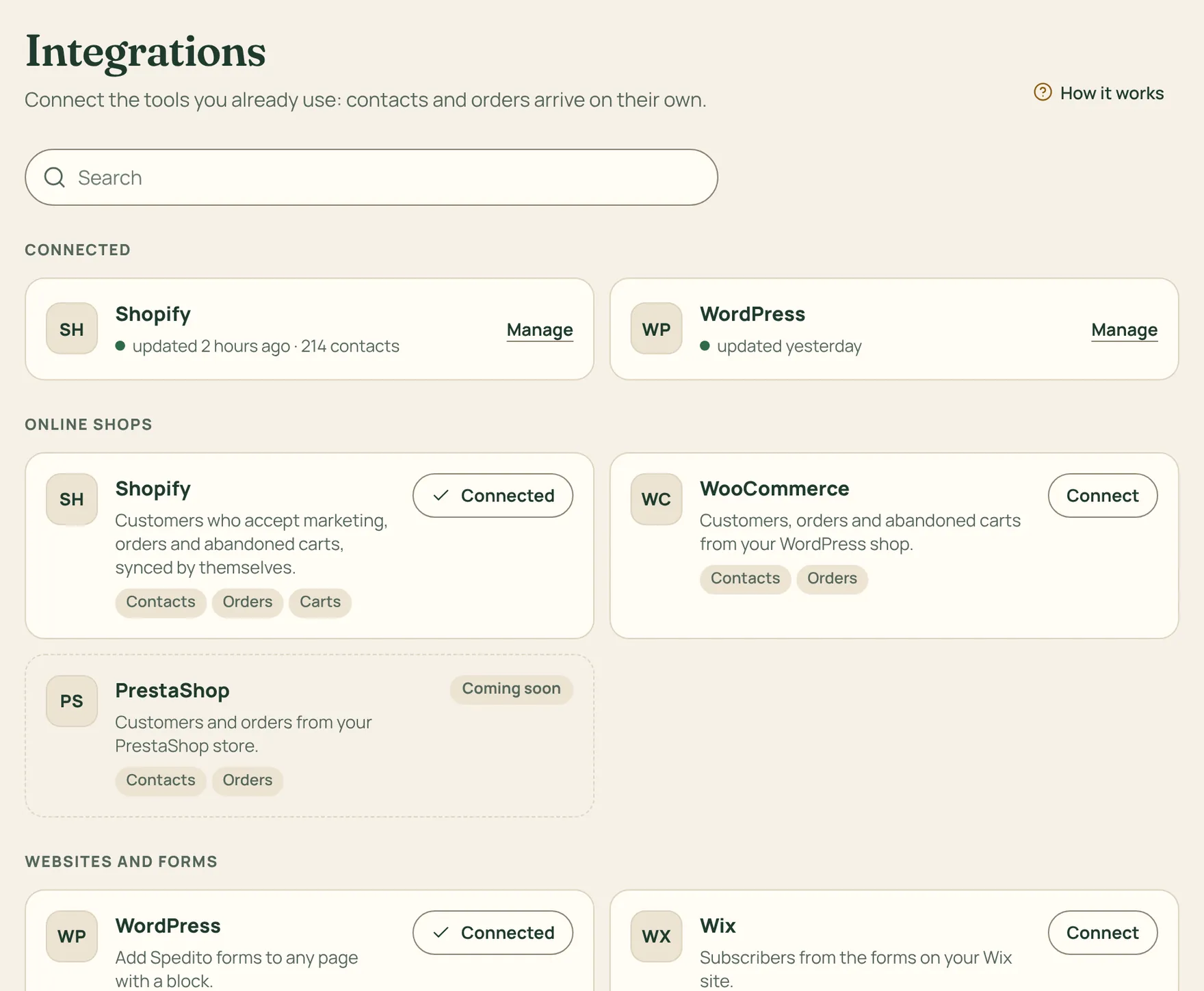
How to do it
- Go to Integrations and choose what to connect: your shop (Shopify, WooCommerce), your site (WordPress, Wix, Squarespace, Webflow), forms (Typeform, Facebook and Instagram Lead Ads), address books (Google, Outlook) or bookings (Calendly).
- Press Connect and follow the guide: for each one we tell you exactly where to click.
- Once the connection works you’ll find it under Connected. If it ever stops, we let you know by email.
Only people who accepted marketing emails become subscribers, for example by ticking the box at checkout. The others stay customers, but don’t get newsletters.
For everything else there are Zapier, Make, webhooks and the API, with documentation for developers.