
- Help centre
- Account and billing
Team and roles
Invite the people you work with and choose what they can do. No extra cost per person.
You can work in Spedito together with other people: colleagues, partners, the agency that helps you. There is no extra charge per person.
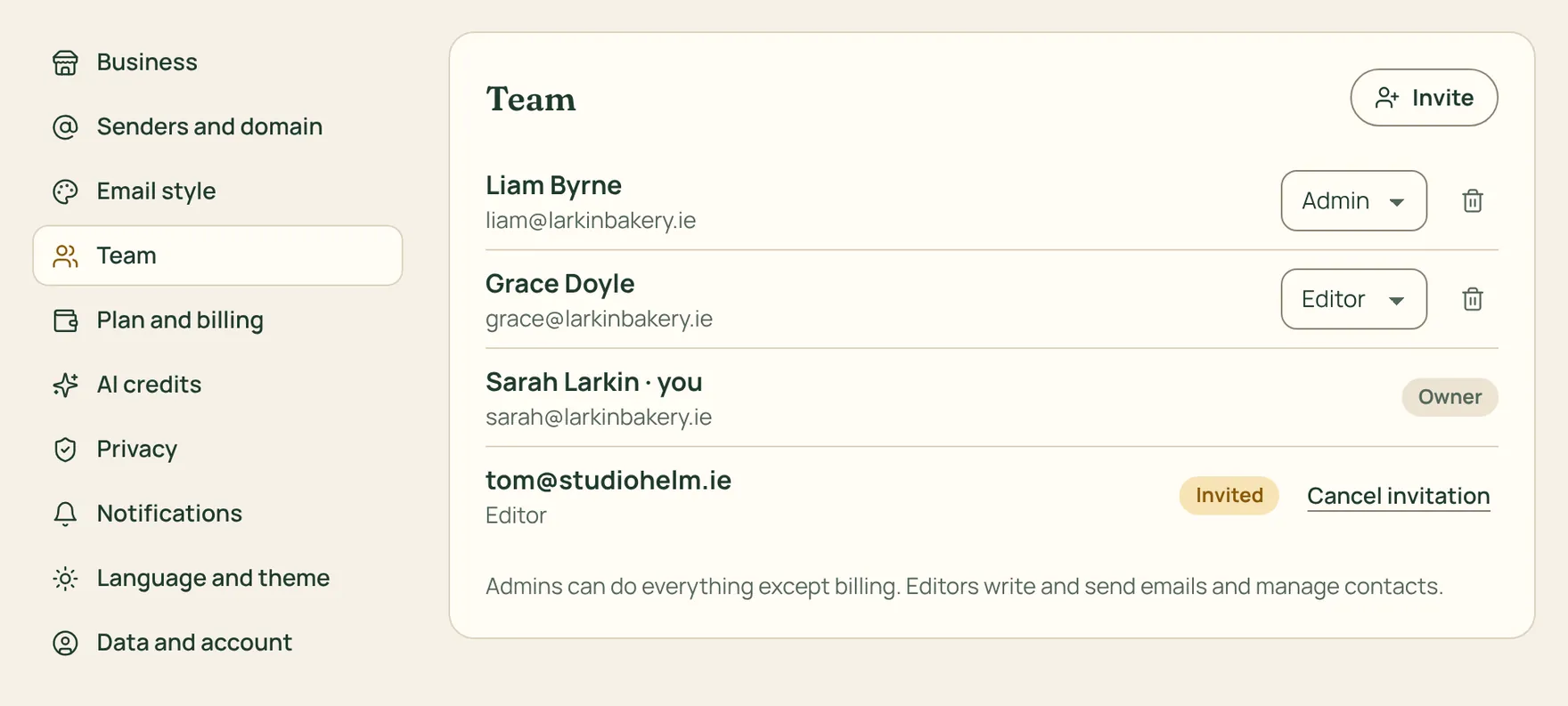
How to do it
- Go to Settings › Team, type the person’s email and pick a role.
- Press Send invitation: they get an email with a link to join. The invitation is valid for 14 days; if it doesn’t arrive, you can copy the link and send it yourself.
- You can change someone’s role or remove them at any time.
Owner: does everything, including plan, invoices and closing the account. Admin: everything except billing. Editor: writes and sends emails and manages contacts.
With the same login you can run several businesses: switch between them from the menu at the top of the sidebar. Each one has its own contacts and team.