
- Help centre
- Account and billing
Exporting your data and closing your account
Download everything whenever you like. If you close, you have 30 days to change your mind.
Your data is yours: you can download all of it whenever you like, even if you have no plans to leave.
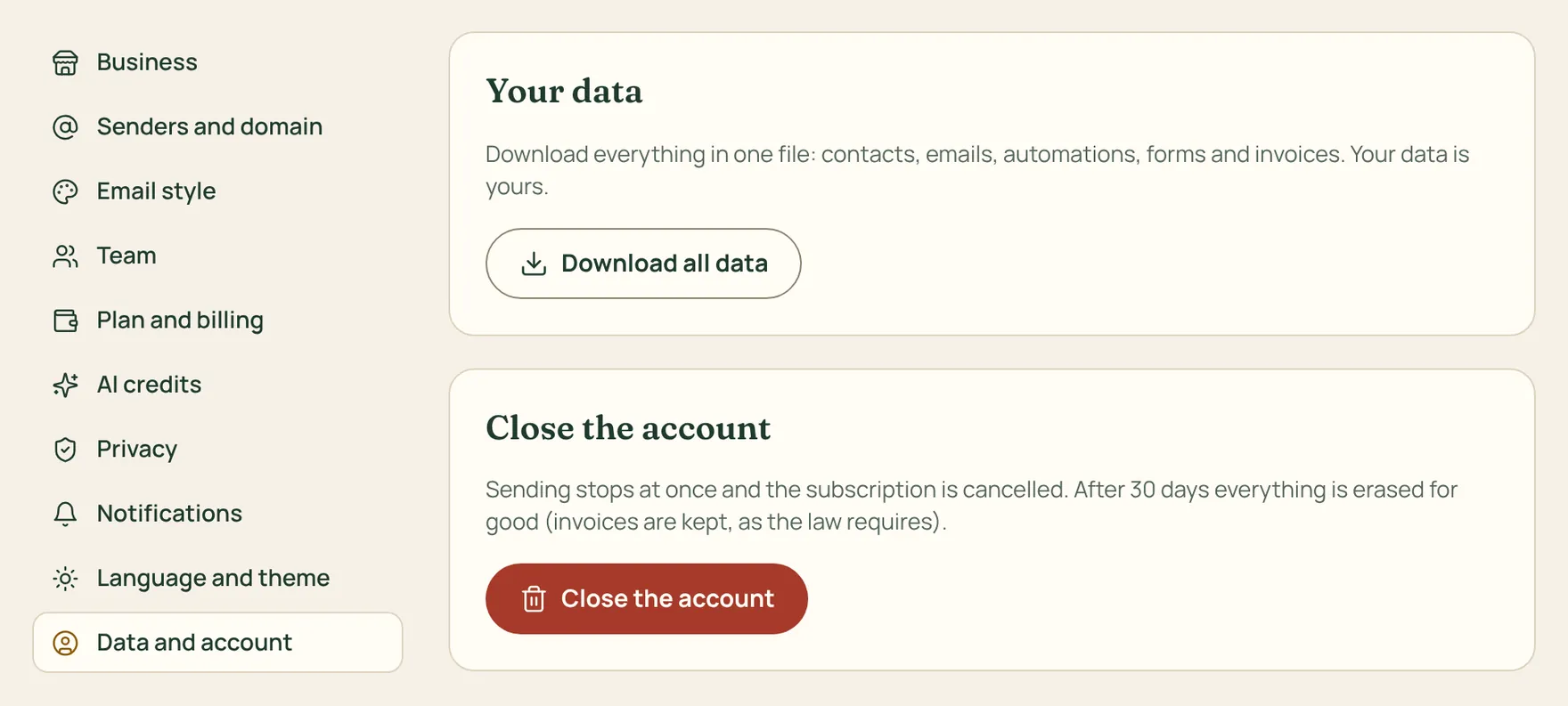
How to do it
- Go to Settings › Data and account and press Download all data: you get a ZIP file with contacts (as CSV, opens in Excel), emails, automations, forms, segments and invoices.
- To close the account, press Close the account on the same page and type the business name to confirm.
- Sending stops right away and the PayPal subscription is cancelled: you won’t pay anything more.
After 30 days we delete everything for good, except invoices, which the law requires us to keep. Within those 30 days you can write to us and we reopen the account just as it was.
Only the owner can close the account. If you run several businesses, the others are not affected.